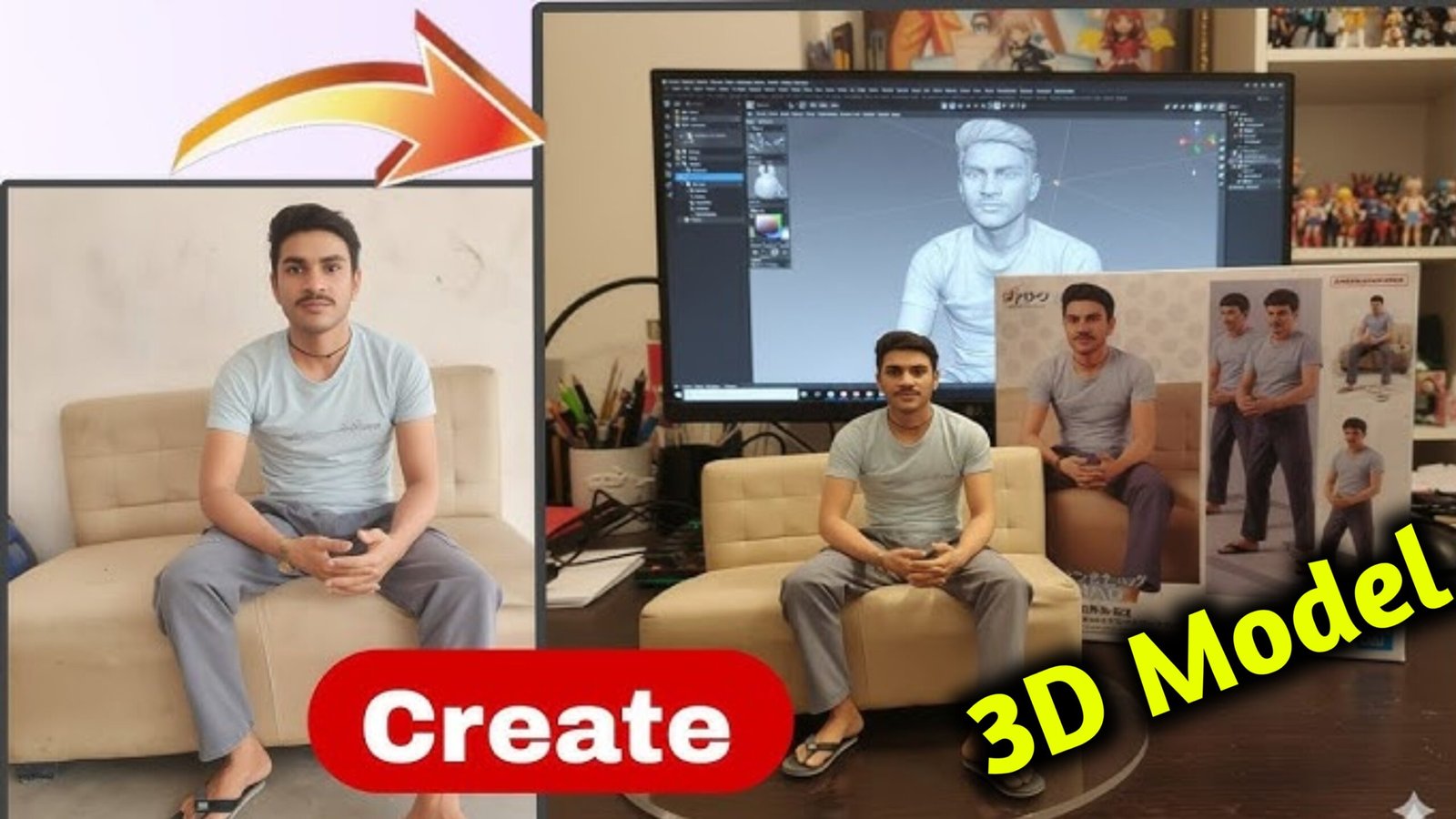
Master the Art of Viral 3D Content for Instagram | 3D Model
Instagram is one of the most powerful platforms for sharing visually appealing content, and with advancements in technology, 3D images have taken user engagement to the next level. A well-crafted 3D image can grab attention, create immersion, and encourage interaction, ultimately increasing your profile’s reach and virality. In this comprehensive guide, we’ll explore how to create viral 3D images on Instagram using 3D modeling techniques, tools, and optimization strategies.
1. Understanding 3D Images on Instagram
What is a 3D image?
A 3D image refers to content that creates the illusion of depth, making objects appear lifelike and multi-dimensional. On Instagram, 3D images often use effects like parallax scrolling, augmented reality (AR), or modeling to simulate motion and depth.
Why are 3D images viral?
- Attention-grabbing: 3D visuals stand out in the feed and encourage users to stop scrolling.
- Interactive experience: Users are more likely to engage with content that feels immersive or dynamic.
- Aesthetic appeal: Modern and futuristic designs align with creative audiences.
- Sharability: Unique designs encourage users to repost or share.
Types of 3D visuals used on Instagram
- 3D models – Fully rendered objects like characters, furniture, landscapes.
- Parallax effect images – Layers move at different speeds to create depth.
- AR filters and effects – Interactive elements integrated with the user’s environment.
- GIFs and animations – Looped 3D sequences to capture attention.
- Cinemagraphs – Still images with subtle moving parts for realism.
2. Planning Your 3D Image Strategy
Know your audience
Understanding your target audience helps you decide what type of 3D content they will engage with. For instance:
- Fashion brands can create 3D outfit mockups.
- Fitness influencers can showcase 3D anatomy visuals.
- Travel pages can offer immersive landscapes.
Define your message
Ask yourself:
- What emotion do I want to evoke? (Excitement, curiosity, relaxation)
- What story am I telling with this image?
- What action should users take? (Like, comment, share, visit your profile)
Choose the right type of content
- For tutorials: Use step-by-step animations.
- For entertainment: Create funny or quirky characters.
- For branding: Showcase products in 3D with minimalistic backgrounds.
Set a style guide
- Colors: Ensure consistency with your brand palette.
- Typography: If overlaying text, use legible fonts.
- Tone: Decide between playful, professional, or futuristic.
3. Tools You Can Use to Create 3D Images
3D Modeling Software
- Blender (Free)
- Open-source and versatile
- Suitable for modeling, sculpting, lighting, and rendering
- Supports animations and simulations
- Cinema 4D (Paid)
- Known for motion graphics
- Intuitive interface for professionals
- Fast rendering capabilities
- Autodesk Maya (Paid)
- Used by professionals for film and gaming
- Offers complex animation tools
- Good for realistic textures and lighting
- Sketchfab (Online)
- Upload and embed 3D models easily
- Interactive viewing experience
- Great for sharing on websites and Instagram links
AR Tools for Instagram
- Spark AR Studio (Free)
- Allows creators to build AR effects
- Integrates with Instagram stories and reels
- Offers tutorials and templates
- Adobe Aero
- Enables simple AR creation without coding
- Works with mobile devices
Animation and Post-Processing Tools
- After Effects
- Add motion graphics and refine animations
- Create smooth transitions and effects
- Canva (with 3D templates)
- Good for beginners
- Offers simple 3D mockups and effects
- Procreate (iPad)
- Sketch-based animations and frame-by-frame editing
Rendering and Lighting Tools
- Octane Render and Redshift for realistic textures
- HDRI lighting for environmental reflections
- Subsurface scattering for skin-like surfaces
4. Step-by-Step Guide to Creating a Viral 3D Image
Step 1: Conceptualize Your 3D Image
Start by sketching the scene or object. Think about the environment, lighting, textures, and angles. Make sure it fits with your brand and audience preferences.
Step 2: Model Your 3D Object
Using Blender or Cinema 4D:
- Create the base mesh.
- Sculpt details like wrinkles, curves, or textures.
- Apply materials and shaders (glossy, metallic, matte).
Step 3: Add Depth and Lighting
- Position lights for realism (key light, fill light, rim light).
- Use soft shadows and reflections.
- Adjust camera angles to highlight the object’s depth.
Step 4: Animate (Optional)
- Apply rotation, zoom, or tilt animations.
- Use easing curves for smooth motion.
- Loop animations for Instagram-friendly formats.
Step 5: Export the Image or Animation
- For static posts, export in high resolution (1080×1350 pixels or 1080×1080).
- For reels or stories, export as MP4 with 30 fps and optimized bitrate.
Step 6: Post-Processing
- Adjust contrast, brightness, and saturation.
- Add overlays, branding logos, or call-to-action stickers.
- Use tools like After Effects to add particle effects or subtle animations.
Step 7: Upload Strategically
- Use relevant hashtags (#3DArt, #Instagram3D, #ARFilter).
- Write engaging captions with questions or prompts.
- Post at peak times when your audience is most active.
5. Techniques to Boost Virality
Create Curiosity
- Use teaser content with before-and-after reveals.
- Blur parts of the image or add interactive elements to draw viewers.
Encourage Interaction
- Ask viewers to comment with their favorite part.
- Run polls or challenges related to the 3D model.
Collaborate with Influencers
- Partner with creators who align with your brand.
- Tag them and cross-promote content.
Use Trending Sounds
- Pair animations with trending audio to boost discoverability.
- Sync animation movements to beats or rhythms.
Consistency and Frequency
- Post regularly to stay relevant.
- Maintain a consistent style and tone so users recognize your brand.
Optimize Captions and Hashtags
- Use a mix of broad and niche hashtags.
- Write captions that spark conversation or storytelling.
6. Common Mistakes to Avoid
- Overcomplicating the design
Simple models with clear visuals perform better than cluttered ones. - Ignoring mobile optimization
Ensure your image looks good on small screens. - Using too much text
Let the visuals speak; use minimal text overlays. - Not testing before publishing
Preview how the post looks on multiple devices before going live. - Forgetting storytelling
A 3D model without context lacks emotional connection.
7. Advanced Tips for Experts
Procedural Texturing
Use algorithms to automatically generate textures such as rust, metal scratches, or fabric patterns.
Lighting Effects
Implement volumetric lighting and global illumination for realistic shadows.
Real-Time Rendering
Tools like Unreal Engine and Unity allow you to preview animations instantly with photorealistic effects.
Interactive 3D Viewers
Integrate viewers where users can tilt, zoom, or rotate the image themselves.
AR Try-Ons
Fashion brands can use Spark AR to let users virtually try on clothes or accessories.
8. Measuring Virality
Track these metrics to understand what works:
- Reach and Impressions: How many users saw the post.
- Engagement Rate: Likes, comments, saves, and shares relative to reach.
- Follower Growth: Monitor trends after posting 3D content.
- Profile Visits: See if the 3D image increased profile traffic.
- Story Interactions: Use Instagram Insights for stickers, replies, and swipe-ups.
9. Case Studies
Example 1: A Fashion Brand’s 3D Sneaker Launch
- Used Blender for modeling sneakers.
- Applied AR filters to let users try on the shoes.
- Resulted in a 300% increase in engagement.
Example 2: Travel Page Using 3D Landscapes
- Created animated mountain scenes using Cinema 4D.
- Added calming music and subtle motion.
- Increased saves by 150%.
Example 3: Fitness Influencer Anatomy Animation
- Modeled muscle groups in 3D.
- Created step-by-step movement breakdowns.
- Helped drive authority and trust, leading to collaborations.
10. Future Trends in 3D Content on Instagram
- AI-assisted modeling: Automate textures and designs.
- Interactive shopping experiences: Users virtually explore products in 3D.
- AR avatars: Personalize experiences using face tracking.
- Mixed media posts: Blend real-life photos with animated 3D layers.
Final Thoughts
Creating viral 3D images on Instagram isn’t just about using technology—it’s about blending creativity, strategy, and audience psychology. By mastering modeling tools, focusing on storytelling, and optimizing your content for engagement, you can make your posts stand out in today’s fast-paced visual culture.
Start simple, test different formats, and keep experimenting. With consistency and attention to detail, you’ll build a community around your unique 3D content that’s interactive, inspiring, and shareable.
This guide provides you with the complete roadmap—tools, techniques, strategies, and examples—to turn your 3D creations into viral sensations on Instagram.