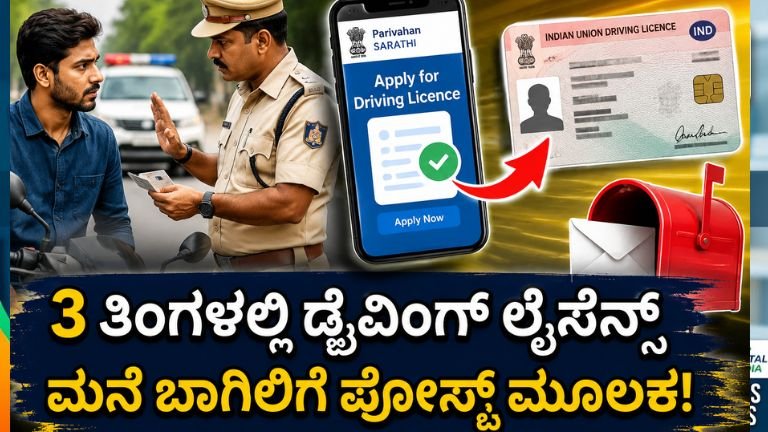
The Ultimate Step-by-Step Guide to Applying for a Driving License Online
Securing a valid Driving License (DL) is a major milestone, giving you both the legal authority to drive and a universally accepted proof of identity. Thanks to the digital initiatives of the Ministry of Road Transport and Highways (MoRTH), you no longer need to rely on middlemen or spend hours standing in long queues at your local Regional Transport Office (RTO).
Through the consolidated government portal, Sarathi Parivahan, the entire process—from acquiring your temporary Learner’s License (LL) to booking your final driving track test—can be initialized right from your computer or smartphone.
This comprehensive guide breaks down the legal eligibility requirements, mandatory documents, and the step-by-step online application process.
The Two-Phase Roadmap
The journey to getting a permanent driving license in India consists of two distinct chronological phases:
[Phase 1: Learner's License (Valid for 6 Months)] ➔ [Wait 30 Days] ➔ [Phase 2: Permanent Driving License Test]
-
The Learner’s License (LL): This is a temporary permit valid for six months. It allows you to practice driving on public roads provided you are accompanied by a co-driver holding a permanent DL.
-
The Permanent Driving License (DL): You become legally eligible to apply for your permanent license 30 days after your Learner’s License is issued. You must take the practical test before your LL expires at the 6-month mark.
Eligibility Criteria and Vehicle Classifications
Before launching your application, ensure you fit into the correct legal age group for the class of vehicle you intend to operate:
-
MCWOG (Motorcycle Without Gear): Mopeds or scooters under 50cc capacity. Minimum age: 16 years (requires formal parental/guardian consent).
-
MCWG (Motorcycle With Gear) / LMV (Light Motor Vehicle): Geared two-wheelers and passenger cars. Minimum age: 18 years.
-
Commercial / Transport Vehicles: Heavy trucks, buses, and commercial taxis. Minimum age: 20 years (applicants must already hold a valid LMV license for a specified period based on state rules).
Mandatory Documents Checklist
Keep scanned, high-quality copies of these verified documents ready on your device before starting the application:
-
Proof of Age: School Leaving Certificate (SSLC Marksheet), Birth Certificate, Passport, or PAN Card.
-
Proof of Address: Voter ID, Life Insurance Policy, Passport, or recent utility bills (Electricity, Gas, Water) matching your current residence.
-
Medical Certificate (Form 1A): Mandatory for applicants aged 40 years and above, or for anyone applying under the commercial/transport vehicle categories. For applicants under 40, a self-declaration of physical fitness (Form 1) is sufficient.
-
Passport Size Photographs & Scanned Signature.
Step-by-Step Online Application Process
The centralized application system is hosted exclusively on the Sarathi Parivahan website. Follow this exact breakdown to apply.
Phase 1: Securing Your Learner’s License (LL)
Phase 2: Upgrading to a Permanent Driving License (DL)
Once you have held your Learner’s License for at least 30 days (and before 6 months lapse), you can apply for your permanent smart card license.
Post-Test Processing and Delivery
Once you pass the practical field test, the RTO officer will approve your application digitally on the portal.
-
Tracking Status: You can monitor the real-time status of your card printing and dispatch by clicking the “Application Status” button on the Sarathi homepage and entering your application number.
-
Digital Copy: Your approved Driving License data is pushed automatically to central databases. You can pull an authentic digital copy into your DigiLocker or mParivahan app within a few days for roadside checking purposes.
-
Physical Delivery: The physical laminated Smart Card driving license is dispatched via Speed Post directly to your registered residential address.
⚠️ Important Cybersecurity Warning:
Do not use third-party broker websites or click random links on social media that promise immediate license generation for cash. The government of India processes transport records only on the official .gov.in portal (
sarathi.parivahan.gov.in). Guard your personal data, schedule your appointments through the official portal, and complete your licensing track safely!